
You'll need this:
-
One of these Pointerpro plans:
 Professional
  Enterprise ReportR DistributR
Dashboard Builder is an extra feature with an additional fee.
Please contact sales@pointerpro.com.
On this help guide page:
When you open your dashboard and Enter edit mode, click on the + Add item button and scroll to Line charts section:
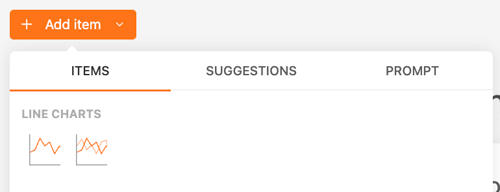
1. Line chart
A line chart is a graphical representation of data that uses a series of data points connected by straight lines. It is commonly used to visualize data trends over time.
Use Cases:
- Tracking changes over time for one or more variables
- Comparing trends between different data sets
- Analyzing patterns in data series
Common data to use in an assessment:
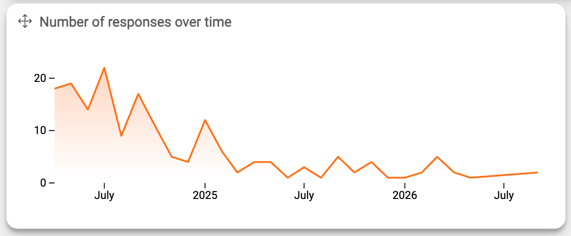
- Number of responses over time
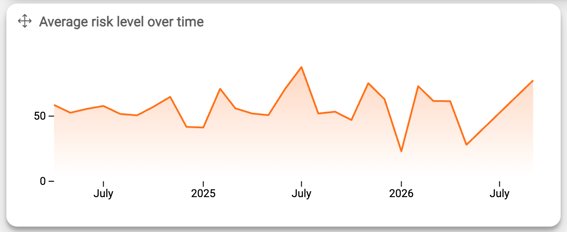
- Custom score over time
- Formula results over time
Example: Number of responses over time
Example: Average risk level over time
2. Grouped line chart
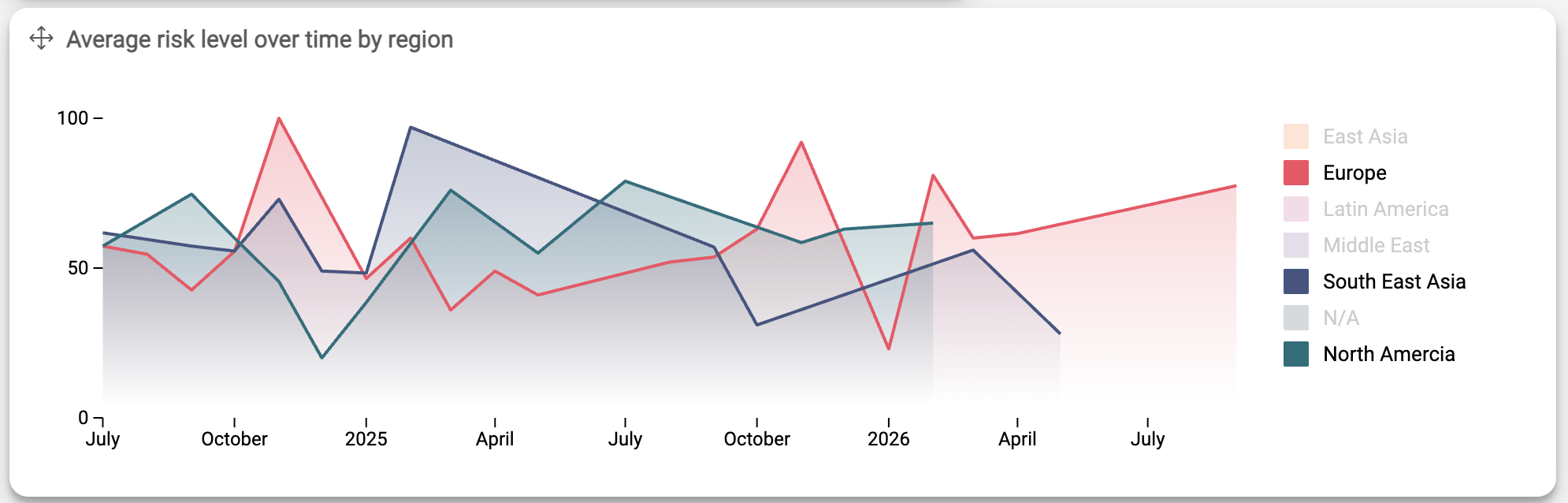
A grouped line chart is a type of line chart where multiple lines represent different data series grouped by a common category, allowing for comparison across multiple categories.
Use Cases:
- Comparing trends across different groups or categories
- Visualizing performance metrics across different departments
- Analyzing survey responses across different demographic groups
Common data to use in an assessment:
- Employee performance scores across different teams
- Customer satisfaction ratings across various product lines
- Sales figures across different regions
- Response rates from multiple surveys over time
Example: Average risk level over time grouped by region
What's next?
- Dashboard Builder: datasets explained: Check detailed explanations on the datasets available for your to connect to your
- Getting started with the basic widgets on your dashboard: Widget items: general.
- Check out these widgets to turn your dashboard data into meaningful insights:
Don't want to build it yourself? Contact our professional services team